There’s no single set of “End City coordinates” that works for every world. End Cities generate in different places depending on your world’s seed, so the real question isn’t what the coordinates are — it’s how to find the ones in your specific world. This guide walks through every legitimate method, from blind exploration to command-based lookups, plus what to bring and what to avoid once you get there.
Why There’s No Universal Coordinate
Every Minecraft world is built from a seed — a number that determines exactly where every structure, biome, and cave generates. Two players on different seeds will have End Cities in completely different spots, even if both start at (0, 0). Any “coordinates” you see in a video or forum post only apply to that specific seed. What is consistent across all worlds is the pattern End Cities follow: they generate only in outer End island chunks that fall in specific numbered bands, spaced roughly 20 chunks (320 blocks) apart in a grid-like pattern on the outer islands. That’s why they cluster in some directions and are sparse or absent in others — it’s map layout, not bad luck.
Because of this, “finding End City coordinates” really means finding the coordinates in your world, using one of the methods below.
Before You Start: What You Need
- Access to the outer End islands. You reach these either by defeating the Ender Dragon (which spawns an End Gateway near the main island) or, in some setups, by using an existing gateway/portal.
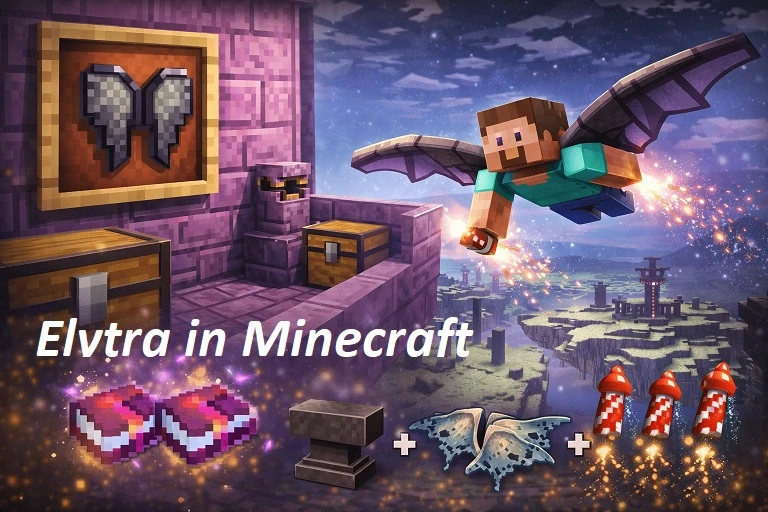
- Elytra or a way to cross the void. The outer islands are separated by gaps of empty space. Without Elytra, boats, or bridging, you can’t reach most End Cities even if you know where they are.
- Eyes of Ender, only if you’re navigating without commands — these aren’t for finding End Cities directly, but for the earlier step of locating the stronghold portal that gets you into the End in the first place.
- Rockets, if you have Elytra, for powered flight across long void gaps.
- Combat gear, since End Ships often carry a Shulker that can knock you off narrow structures and into the void.
Method 1: Natural Exploration (No Commands)
This is the “legitimate survival” approach, and it works on any world, any platform, with cheats off.
- Defeat the Ender Dragon to trigger the exit portal and an End Gateway near the main island.
- Throw an Ender Pearl into the gateway beam (or step into the portal on newer versions) to be launched to an outer End island.
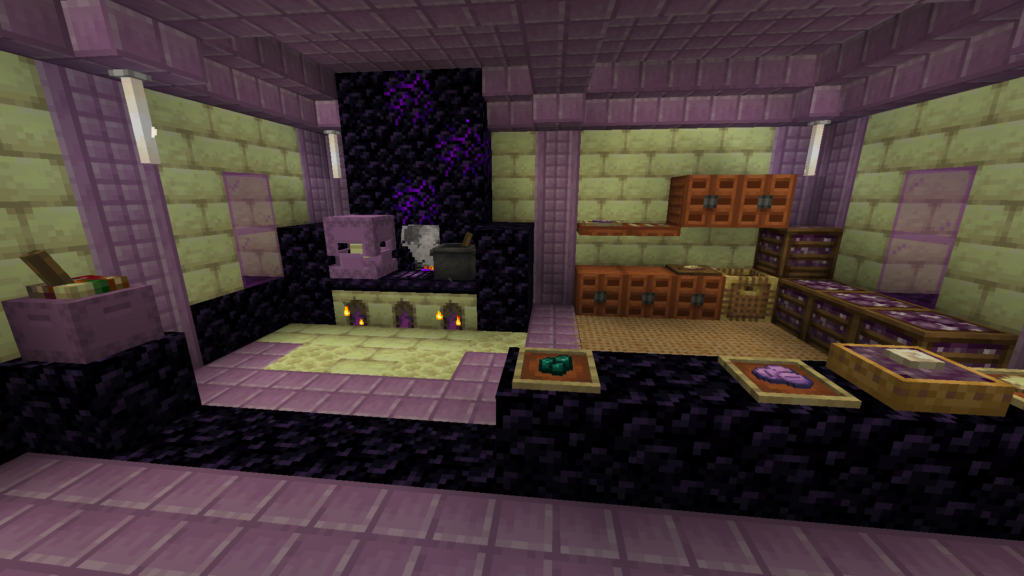
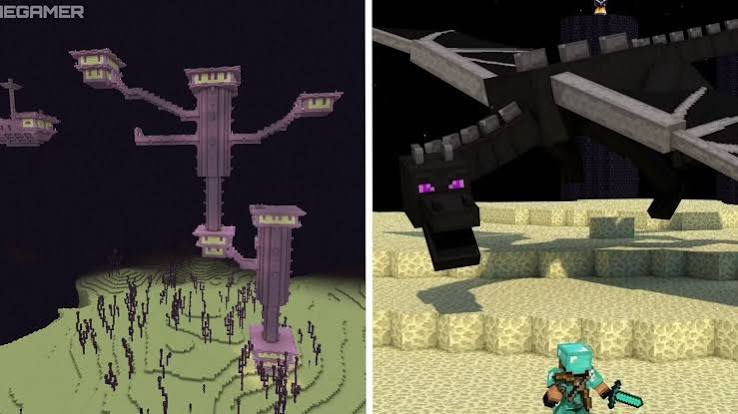
- From there, use Elytra to glide between islands, watching for the distinctive purpur-and-end-stone-brick towers that mark an End City.
- If you land on an island with no visible city, use additional gateways (thrown Ender Pearls trigger more of them as you defeat the dragon on repeat encounters, or you can find naturally generated gateways on outer islands) to jump further out, since cities tend to cluster more densely the farther you get from spawn.
This method requires no cheats or third-party tools, but it’s slower and can involve a lot of empty flying if your seed placed cities far apart.
Method 2: The /locate Command (Cheats or Server Permissions Required)
If you’re playing in Creative, singleplayer with cheats enabled, or as an operator on a server, the fastest method is the built-in /locate command.
Java Edition:
/locate structure minecraft:end_cityRun this while standing in the End dimension. The game returns the X, Y, Z coordinates of the nearest End City, and in Java Edition you can click the coordinates in chat to auto-fill a teleport command.
Bedrock Edition:
/locate structure endcityBedrock structure IDs generally drop the minecraft: namespace and sometimes use different naming than Java, so don’t assume Java syntax works — check in-game autocomplete if the command doesn’t return a result.
Once you have coordinates, teleport with:
/tp @s <x> <y> <z>Note that the Y coordinate returned may place you inside void or mid-air near the structure, so approach carefully rather than teleporting blindly at full height.
If /locate doesn’t work:
- Cheats may be disabled — this needs to be turned on in world settings (Bedrock) or via operator status (Java).
- You may be in the wrong dimension — this command only searches your current dimension, so it must be run while you’re in the End.
- Your version may not support the structure ID you typed — verify current syntax in-game with Tab-autocomplete (Java) or the command suggestion list (Bedrock) rather than assuming an older tutorial is correct.
Method 3: Seed-Based Map Tools (Chunkbase and Similar)
If you know your world’s seed, third-party seed-map tools can show every End City your world will generate — including ones you haven’t explored yet — without opening the game at all.
- Get your seed: use the
/seedcommand in-game (works in singleplayer, or in multiplayer if you have permission), or check it from your world creation settings. - Enter the seed and your Minecraft version into a seed-map tool built for End City lookup.
- Switch the map view to the End dimension to see marked End City locations across the outer islands.
- Use the coordinates shown to navigate manually, or combine with the
/locatecommand for a quick teleport if cheats are available.
This is useful for planning routes before you fly out, especially on seeds where cities are spread far from spawn. It’s read-only lookup — it doesn’t change your world — so it’s safe to use even if you intend to play “legitimately” otherwise, though some players consider seed-map spoilers to be a form of cheating for their own experience. That’s a personal call, not a technical restriction.
Comparing the Three Methods
| Method | Requires Cheats? | Speed | Best For |
|---|---|---|---|
| Natural exploration (Eyes of Ender + Elytra) | No | Slowest | Survival purists, achievement-safe play |
/locate command | Yes | Fastest | Creative mode, admins, players who allow cheats |
| Seed-map tools (e.g., Chunkbase) | No (but needs seed) | Fast for planning | Route-planning before flying out, multiplayer coordination |
Reading the Coordinates Correctly
Minecraft’s F3 debug screen (Java) or coordinate display toggle (Bedrock) shows your position as X, Y, Z:
- X and Z are horizontal position — think of them as your position on a map viewed from above.
- Y is height/altitude.
- Negative X or Z values just mean you’re in the opposite direction from world origin (0, 0) on that axis — they’re not errors and don’t require special handling, just navigate toward them the same way you would positive numbers.
When /locate returns coordinates, it gives you X and Z to navigate toward, plus an approximate Y — but End Cities are often partially built on terrain that varies in height, so treat the Y value as a starting reference rather than an exact landing spot.
Common Mistakes to Avoid
- Confusing the main End island with the outer islands. End Cities never generate on the central island where you fight the dragon — only on the outer islands you reach via gateways.
- Forgetting Elytra before committing to the trip. Without it, reaching an End City across void gaps is extremely difficult or impossible, even if you know the exact coordinates.
- Assuming a coordinate from a guide or video applies to your world. Unless someone explicitly shares your seed, published coordinates are specific to their world only.
- Ignoring dimension requirements for
/locate. The command only searches the dimension you’re currently standing in — running it in the Overworld will not find an End City. - Underestimating Shulkers. They deal knockback and can push you off narrow End Ship platforms into the void; fight from stable ground when possible.
Frequently Asked Questions
Do End Cities always have a ship? No. Some End Cities generate as a single tower with no attached End Ship, while others include one or more ships with the elytra and higher-value loot. Larger, more sprawling cities are more likely to include a ship.
Can I find an End City without killing the Ender Dragon? You need access to the outer End islands, which normally requires defeating the dragon to open an End Gateway. Some servers or setups may pre-generate gateway access, but in standard survival play, the dragon fight is the prerequisite.
Do commands work in survival without cheats enabled? No. /locate and /tp require cheats to be turned on (Bedrock) or operator permissions (Java/servers). Enabling cheats in Java Edition singleplayer does not disable advancements the way enabling cheats disables achievements in Bedrock.
What’s the closest an End City can generate? Because End Cities only generate within specific chunk bands starting a set distance from the main island, they won’t appear immediately next to your gateway landing spot — expect some travel even on a “close” result.
Are Java and Bedrock command syntax the same? No. Java uses /locate structure minecraft:end_city with the full namespace, while Bedrock typically drops the minecraft: prefix and may use a different structure ID. Always confirm with in-game autocomplete if a command fails.