If you’ve beaten the Ender Dragon and want the Elytra without wasting an hour bridging across the End’s outer islands, one command does the job — the End City Command: The Exact Syntax That Works is simple:
/locate structure minecraft:end_cityThat’s the current Java Edition syntax. Bedrock Edition uses /locate structure End_city — no namespace. Below is exactly how to use either one, what the output means, and what to do if it doesn’t work.
Before You Type Anything: 3 Requirements
The /locate command will fail (or won’t even show up) unless all three of these are true:
- Cheats are enabled. This is a per-world setting, not something you toggle mid-game unless you’re the host.
- You have operator/cheat permission. In singleplayer this is automatic once cheats are on. On a realm or someone else’s server, you need to be opped or have cheats granted to you — the world owner has to do this.
- You’re standing in the correct dimension.
/locate structure minecraft:end_cityonly returns a result when you run it inside the End. Running it from the Overworld or Nether returns an error, because End cities don’t generate there.
How to enable cheats
| Situation | How |
|---|---|
| Singleplayer, new world | Enable “Allow Cheats” in world creation settings |
| Singleplayer, existing world | Open to LAN → toggle “Allow Cheats” → click Start LAN World (re-enables for that session) |
| Bedrock world | World Settings → Cheats → toggle on |
| Realm | The realm owner must enable cheats in Realm settings; not all realm types allow this |
| Third-party server | Ask an admin for operator status or /locate permission — you can’t self-enable this |
The Command, Step by Step
- Get into the End and make sure you’re on solid ground (an outer island is fine — you don’t need to be on the main island).
- Open chat: press T on Java Edition (PC), or the chat/command icon on Bedrock.
- Type the command for your edition (see table below) and press Enter.
- Read the returned coordinates.
- Travel or teleport to them.
Java Edition vs. Bedrock Edition syntax
| Java Edition | Bedrock Edition | |
|---|---|---|
| Command | /locate structure minecraft:end_city | /locate structure end_city |
| Namespace required | Yes — minecraft: prefix | No — plain ID only |
| Optional argument | Structure tags (e.g. #village) | useNewChunksOnly boolean, e.g. /locate structure end_city true |
| Case sensitivity | Lowercase, exact | Selected from an in-game enum/autocomplete list |
| Permission required | Permission level 2 (operator) | Cheats must be enabled |
| Works in Creative & Survival | Yes, as long as cheats are on | Yes, as long as cheats are on |
Both versions search from your current position and return the nearest End city — not necessarily the biggest or the one with an End ship attached.
Why
minecraft:end_cityand notEndCityor/locate EndCity? Older guides you’ll find online use outdated syntax. Structure names became lowercase starting in snapshot 20w21a, and Java Edition switched to full namespaced resource locations (likeminecraft:end_city) in the 1.18.2 update. If you’re running a current release, the plain lowercase name withoutminecraft:will fail — the command needs the full ID on Java.
Reading the Output
A successful command returns a message shaped like this:
The nearest structure "minecraft:end_city" is at [1520 ~ -864] (632 blocks away)A few things to note about that output:
- There’s no Y (height) coordinate. The
~stands in for it./locateignores vertical position entirely when searching for structures — End cities span a wide range of heights on floating islands, so the game only gives you X and Z. - The distance shown is horizontal, not a straight-line distance to the structure.
- On Java Edition, the coordinates are clickable. Clicking them auto-fills
/tp @s <x> ~ <z>into your chat box, ready to send.
Getting to the Coordinates
Knowing the X/Z location doesn’t put you there — you still have to cross the void between islands. Two realistic options:
Teleport (fastest, requires cheats — which you already have enabled):
/tp @s 1520 100 -864Pick a Y value comfortably above the terrain (100–150 is usually safe) so you don’t spawn inside a block or fall into the void.
Fly there manually with Elytra, if you already have one from a previous city, or bridge/pearl your way across the outer islands if this is your first run. Since End islands are scattered and separated by empty space, most players either teleport straight to the coordinates or use existing Elytra + fireworks to glide over.
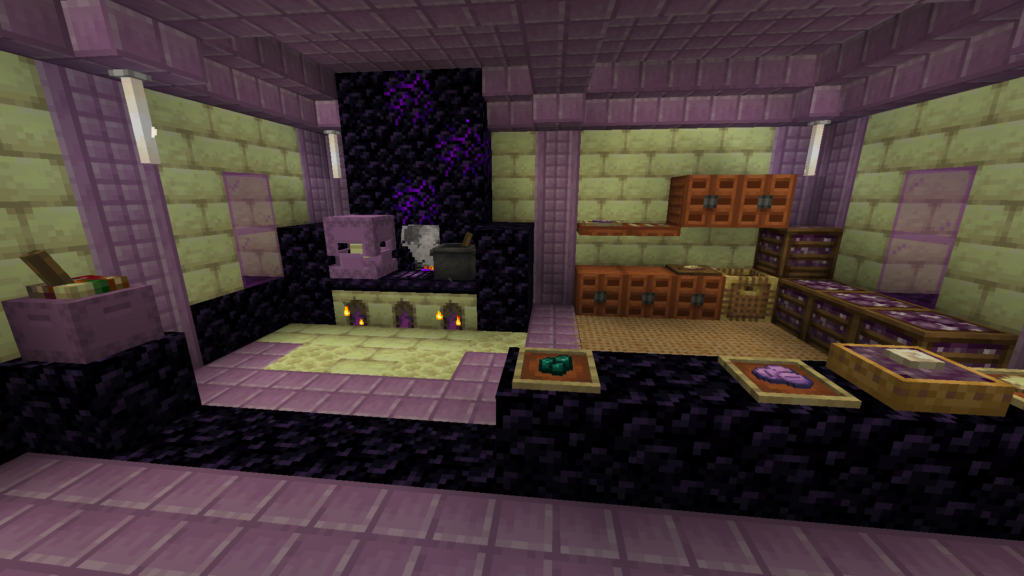
Either way, once you land, remember: End cities are guarded by Shulkers, whose projectiles inflict Levitation — dangerous near the edge of a floating island. Approach carefully.
Troubleshooting: Why the Command Isn’t Working
| Problem | Cause | Fix |
|---|---|---|
| “Unknown command” or command doesn’t appear in chat suggestions | Cheats aren’t enabled, or you lack operator permission | Enable cheats (see table above) or ask a server admin to op you |
| “Failed to locate structure” | You ran the command outside the End | Travel to the End first — /locate structure minecraft:end_city only searches the dimension you’re currently in |
| Command runs but nothing happens on Bedrock | Typed the Java-style ID with a namespace | Drop the minecraft: prefix — Bedrock wants just end_city |
| Coordinates lead to an already-looted city | Someone else on a multiplayer server already explored it | Run the command again after moving a few hundred blocks — it always returns the nearest city relative to your current position, so relocating first can surface a fresh one |
| Nothing happens at all when you press Enter | You’re not actually in cheat/creative-enabled mode, or you mistyped the command | Double-check spelling exactly as shown above; structure names are case-sensitive on Java |
Related Commands Worth Knowing
Since you’re already deep in the End with cheats on, these tend to come up next:
- Find the nearest stronghold (to get back to the End in a new world):
/locate structure minecraft:stronghold - Find an End city in new chunks only (Bedrock, avoids already-explored areas):
/locate structure end_city true - Locate a biome instead of a structure:
/locate biome minecraft:end_highlands(Java) — useful since larger End cities tend to spawn on bigger islands with chorus trees, which cluster in this biome - Teleport once you have coordinates:
/tp @s <x> <y> <z>(Java) or/tp @s <x> <y> <z>(Bedrock)
Quick Reference
Java Edition:    /locate structure minecraft:end_city
Bedrock Edition: /locate structure end_city
Run it from inside the End, with cheats/operator permission on, and you’ll get X/Z coordinates you can teleport to immediately.